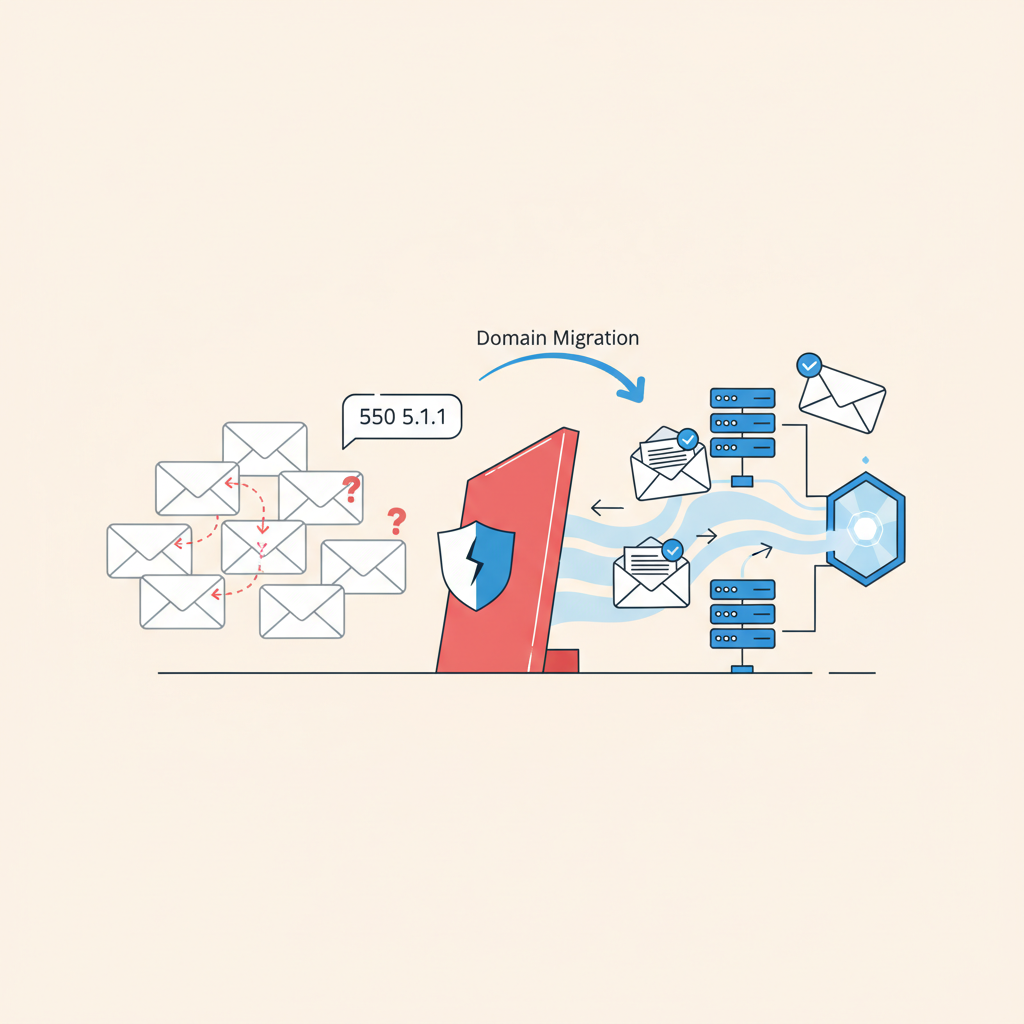
Fixing 550 5.1.1 User unknown After Domain Migration
The 550 5.1.1 User unknown error is a common, frustrating, and often urgent issue for anyone managing email infrastructure. While it can appear for various reasons, it becomes particularly insidious during or immediately after a domain migration. You've just moved your entire email operation, expecting a seamless transition, only to find critical emails bouncing back with the unambiguous message: "User unknown."
This error indicates that the receiving mail server, having accepted the connection and the sender's details, explicitly states that the recipient email address does not exist within its managed domains or directory. It's not a temporary issue like a full mailbox or a transient network problem; it's a definitive "no, this user isn't here." For engineers, this often means a deep dive into DNS, mail server configuration, and directory synchronization. In this article, we'll walk through the common causes of 550 5.1.1 User unknown post-migration and provide practical, engineer-focused steps to diagnose and resolve it.
Understanding the 550 5.1.1 User unknown Error
Before we dive into troubleshooting, let's clarify what this specific error signifies. In the SMTP protocol, a 5xx status code indicates a permanent failure. Specifically, 550 means "Requested action not taken: mailbox unavailable." The 5.1.1 enhanced status code further refines this to "Bad destination mailbox address," explicitly stating that the mailbox doesn't exist.
This is distinct from other common email errors:
* 4xx errors: These are temporary failures (e.g., 451 for a busy server, 421 for a service unavailable), implying the sender should try again later.
* Spam blocks: These usually result in different error codes or messages, often mentioning "blocked," "rejected," or "blacklisted."
* Mailbox full: This typically generates a 552 error, indicating the mailbox exists but cannot accept more messages.
When you see 550 5.1.1 User unknown after a migration, it's a strong signal that the new mail system either isn't configured to receive mail for that domain, or it doesn't recognize the specific user within that domain. The challenge during migration is that many things change simultaneously, making root cause analysis more complex.
Common Causes Post-Migration
Domain migrations involve moving many interconnected pieces. Here are the most frequent culprits behind 550 5.1.1 User unknown errors when you've recently shifted your mail service.
1. DNS Propagation Delays and Misconfigurations
DNS is often the first place to look. Even if you updated your MX records, the changes might not have fully propagated across the internet.
- Outdated MX Records: The most common issue. Sending mail servers are still querying old DNS resolvers that point to your previous mail server. If the old server is decomissioned or no longer accepts mail for your domain, it will bounce. If it still accepts mail but doesn't have the user, it will also bounce.
- Incorrect A/CNAME Records: While MX records tell senders where to send mail, the MX record itself often points to a hostname (e.g.,
mail.yourdomain.com), which then needs an A record (or CNAME) to resolve to an IP address. If this A/CNAME record is wrong or outdated, mail won't reach the correct new server. - TTL Values: Time-To-Live (TTL) settings dictate how long DNS resolvers should cache your records. High TTLs (e.g., 24-48 hours) mean changes take a long time to propagate globally.
Example 1: Checking DNS Records
You can use dig to verify your MX records. It's crucial to check against both your configured DNS servers and public resolvers to rule out caching issues.
# Check your domain's MX records with your default resolver
dig MX yourdomain.com

# Check with a public resolver (Google DNS)
dig @8.8.8.8 MX yourdomain.com

# Check with another public resolver (Cloudflare DNS)
dig @1.1.1.1 MX yourdomain.com
Look for consistency. All queries should return the MX records pointing to your new mail server. If any still point to the old server, you're looking at a propagation delay or a misconfigured authoritative DNS server.
2. Mail Server Configuration Errors on the New System
Even if DNS is correct, the new mail server might not be ready to receive mail for your domain or for specific users.
- Domain Not Added/Accepted: Many mail systems require you to explicitly add and "accept" a domain as an authoritative domain for which it will process mail. If your domain isn't listed, the server will correctly report "User unknown" because it doesn't consider itself responsible for that domain.
- Recipient Policies: In systems like Microsoft Exchange, recipient policies dictate how email addresses are generated and managed. If these aren't correctly applied, users might not have the correct primary SMTP address.
- User Accounts Not Provisioned or Enabled: The most direct cause of "User unknown" is simply that the user account doesn't exist on the new system, or it exists but is disabled, hidden from the Global Address List, or lacks an