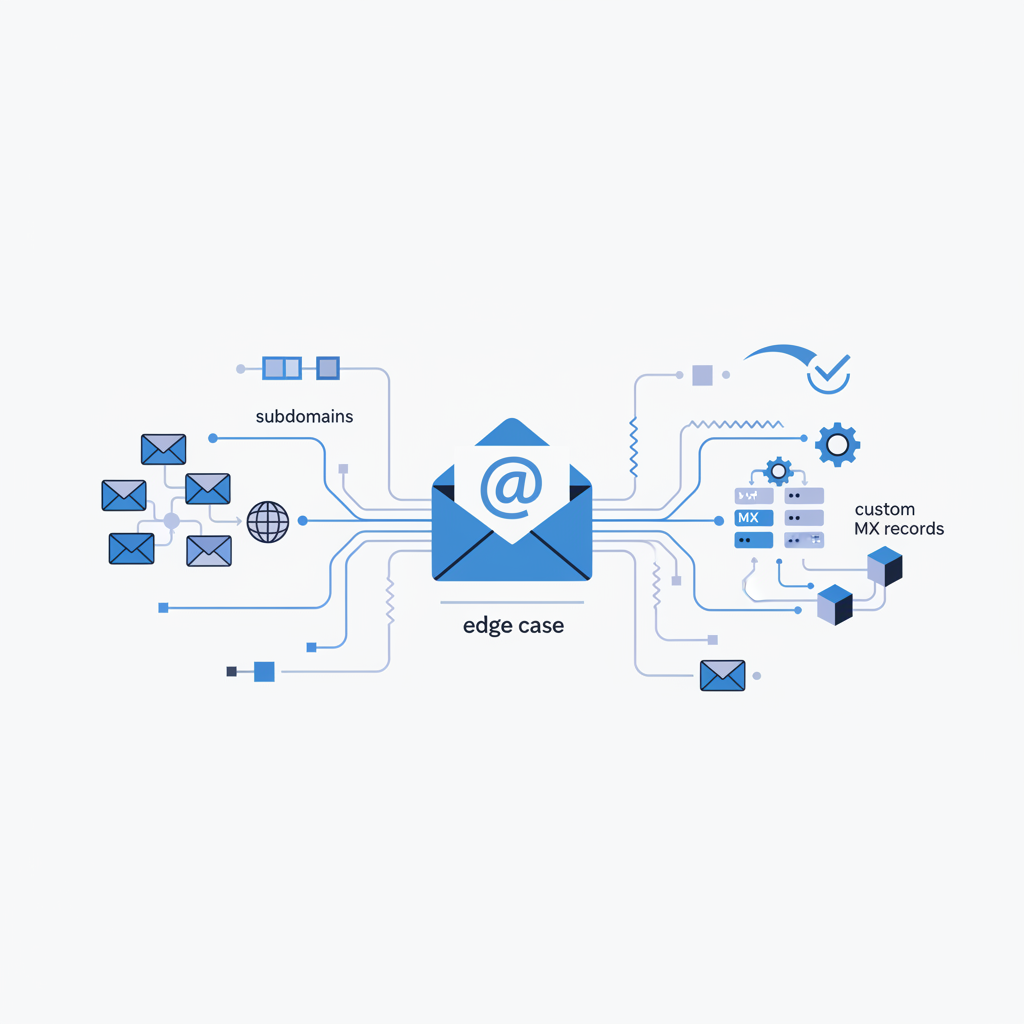
Edge case: Verifying emails with subdomains and custom MX records
Email validation might seem straightforward: check syntax, ping a server, done. But anyone who’s worked with email delivery at scale knows it's rarely that simple. The DNS infrastructure underpinning email is powerful and flexible, which also makes it prone to complex configurations and edge cases. Two of the most common sources of complexity are email addresses using subdomains and domains configured with custom MX records. When these two factors combine, verifying an email address accurately requires a robust, intelligent approach.
You might encounter email addresses like john.doe@billing.example.com or devteam@project.internal.example.org. These aren't just cosmetic variations; the subdomain part (billing or project.internal) can fundamentally change how email for that address is routed and handled. Couple this with the prevalent use of third-party email services like Google Workspace or Microsoft 365, which necessitate custom MX records, and you have a recipe for validation challenges.
The Foundation: How Email Delivery Works
Before diving into the edge cases, let’s quickly recap the fundamental steps an email server takes to deliver mail:
- Syntax Check: Validate the email address format (e.g.,
user@domain.com). - Domain Resolution: Extract the domain part (
domain.comorbilling.example.com). - MX Record Lookup: Query DNS for Mail Exchanger (MX) records for that specific domain. MX records specify which servers handle incoming email and their priority.
- Server Connection: Attempt to connect to the highest priority MX server via SMTP (port 25).
- SMTP Handshake: Initiate an SMTP conversation, including
HELO/EHLO,MAIL FROM, andRCPT TO. TheRCPT TOcommand is where the receiving server tells you if the mailbox exists or is a catch-all.
Most email validation tools perform these steps. The devil, however, is in the details of the MX record lookup and the subsequent SMTP probe, especially when subdomains and custom configurations are involved.
Subdomains: More Than Just a Label
A subdomain, like support.example.com or marketing.us.example.net, isn't just a subdirectory on a website. From a DNS perspective, it's a distinct entity that can have its own set of DNS records, including MX records, completely independent of its parent domain.
For instance, example.com might have its email handled by Google Workspace, while support.example.com might be configured to use Zoho Mail for a specific support ticketing system. Or, dev.example.com might have no MX records at all, indicating that it doesn't receive email directly, relying instead on a wildcard MX record from its parent, or perhaps simply not being an email-receiving domain.
The pitfall here is assuming that an email to user@sub.example.com will be handled by the same servers as user@example.com. This assumption leads to incorrect MX lookups, failed SMTP probes, and ultimately, false validation results. You must perform an MX lookup for the exact, fully qualified domain name (FQDN) in the email address.
Custom MX Records: Pointing Beyond Your Own Servers
It's rare for businesses to run their own mail servers directly on their primary domain's IP address anymore. Instead, they delegate email handling to specialized providers. This is done by setting custom MX records in their DNS.
For example, if a company uses Google Workspace, their MX records for example.com won't point to mail.example.com. Instead, they'll point to Google's mail servers:
example.com.    3600    IN      MX      5 aspmx.l.google.com.
example.com.    3600    IN      MX      10 alt1.aspmx.l.google.com.
example.com.    3600    IN      MX      10 alt2.aspmx.l.google.com.
example.com.    3600    IN      MX      20 aspmx2.googlemail.com.
example.com.    3600    IN      MX      20 aspmx3.googlemail.com.
Similarly, for Microsoft 365, you'd see something like:
example.com. 3600 IN MX 0 example-com.mail.protection.outlook.com.
These custom MX records are standard practice, but they add a layer of indirection. A validator needs to correctly resolve these external hostnames to IP addresses and then connect to them. A common mistake in simpler validators is to only check if any MX record exists or to assume a direct connection to the domain's A record if no MX is found, which is often wrong.
The Intersection: Subdomains with Custom MX Records
This is where validation becomes genuinely challenging. Imagine user@europe.corp.example.com.
- First, you must query for MX records for
europe.corp.example.comdirectly. You cannot rely on the MX records forcorp.example.comorexample.com. - If
europe.corp.example.comhas its own MX records, they might point to a completely different email provider (e.g.,mx.eu-mail-provider.net) than the one handlingcorp.example.com. - If
europe.corp.example.comhas no explicit MX records, the DNS resolver will typically try to find MX records for parent domains (corp.example.com, thenexample.com). If it finds a wildcard MX record or if the parent domain has MX records, those might be used. However, if no MX records are found at all up the chain, the system might fall back to looking for an A record