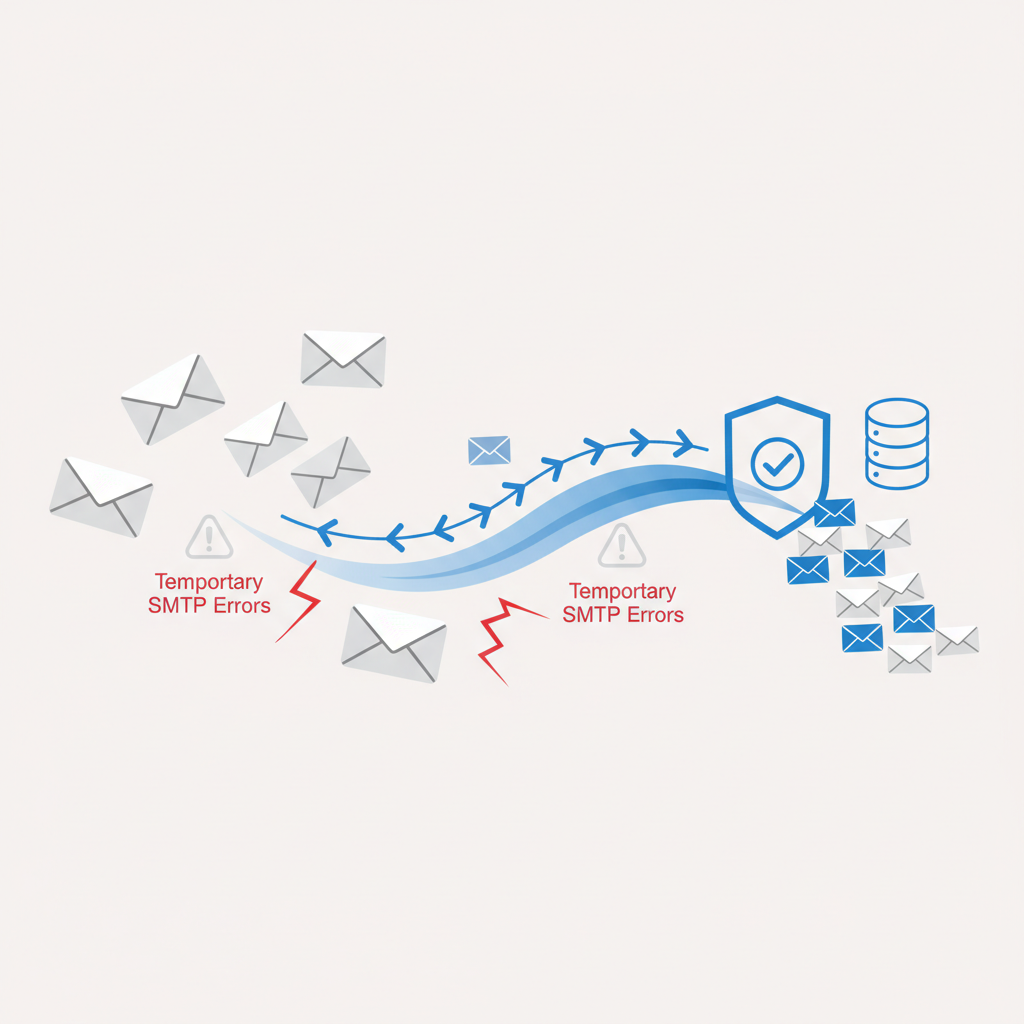
How to Bypass Temporary SMTP Errors for Email Validation API
Email validation is a critical step for maintaining clean mailing lists, improving deliverability, and protecting your sending reputation. Whether you're building a new user signup flow, cleaning an existing database, or integrating with a CRM, accurate validation ensures you're sending emails to real, active inboxes. However, anyone who's delved into the mechanics of real-time email validation, especially SMTP probing, quickly encounters a common adversary: temporary SMTP errors.
These aren't just minor inconveniences; they can lead to false negatives, delayed results, and a frustrating experience if not handled correctly. At Verifyr, we deal with these challenges daily to provide you with precise, real-time email validation, including SMTP probe, MX check, disposable detection, and catch-all flagging. In this article, we'll dive deep into what these errors are, why they happen, and how you can approach bypassing them effectively.
Understanding Temporary SMTP Errors (4xx Status Codes)
When an SMTP server responds to a command, it sends back a three-digit status code. These codes are categorized into informational (1xx), success (2xx), transient failures (4xx), and permanent failures (5xx). Our focus here is on the 4xx series, which signifies a temporary failure.
A 4xx error means the server understands your request but cannot process it at this exact moment. It's essentially saying, "Try again later." Unlike 5xx errors (e.g., 550 No such user here), which indicate a permanent problem that won't resolve itself, 4xx errors imply that the condition causing the failure might be temporary and a retry could succeed.
Common 4xx SMTP response codes you'll encounter during email validation include:
421 Service not available, closing transmission channel: This often means the server is shutting down, overloaded, or experiencing a critical system error.450 Requested mail action not taken: mailbox unavailable (e.g., greylisting): This is perhaps the most common temporary error, especially due to greylisting. It can also mean the recipient's server is temporarily busy or undergoing maintenance.451 Requested action aborted: error in processing: A local error on the recipient's server, such as a temporary disk space issue or a software glitch.452 Requested action not taken: insufficient system storage: The server is temporarily out of disk space, memory, or other resources.
The challenge with these errors is that they prevent you from getting a definitive "valid" or "invalid" status immediately. If you treat a temporary error as a permanent failure, you risk marking a perfectly valid email as undeliverable, leading to lost opportunities and frustrated users.
Common Causes of Temporary SMTP Errors During Validation
Understanding the root causes helps in devising effective handling strategies:
- Greylisting: This is a prevalent anti-spam technique. When an unknown sender tries to send an email to a recipient on a greylisted server, the server temporarily rejects the email with a 450 error. It expects the legitimate sending mail server to retry after a short delay (e.g.,