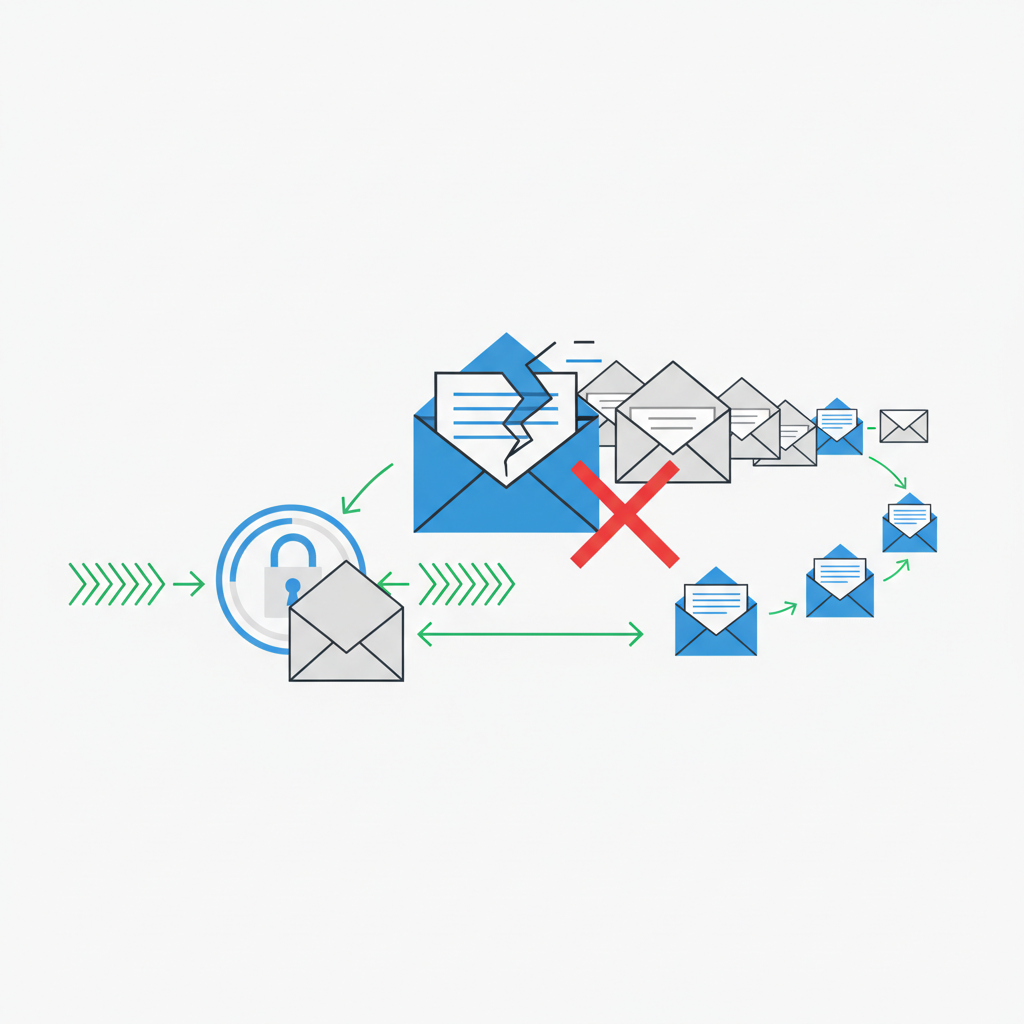
How to Handle 5.2.1 The email account that you tried to reach is disabled
As engineers managing email delivery systems, we've all encountered bounce messages. While some are transient and easily ignored, others signal a more permanent issue that demands attention. Among these, the 5.2.1 SMTP error, often accompanied by the message "The email account that you tried to reach is disabled," is a critical one. It's a clear signal that an email address, once valid, is no longer active and will consistently fail to receive mail.
Ignoring 5.2.1 bounces can significantly harm your sender reputation, lead to higher bounce rates, and ultimately impact your email deliverability. This article will dive deep into understanding this specific error, outline immediate and long-term strategies for handling it, and demonstrate how proactive validation can prevent it from ever hitting your send logs.
Understanding the 5.2.1 SMTP Error
The 5.2.1 status code is part of the SMTP Enhanced Mail System Status Codes, which provide more granular detail than the basic 3-digit SMTP codes.
The 5xx series indicates a permanent failure. This means the problem isn't temporary; subsequent attempts to send to this address will likely result in the same error.
Specifically:
* 5: Permanent Negative Completion reply. The command failed, and the sender should not retry the same operation without modification.
* 2: Mailbox Status. This category indicates issues related to the recipient's mailbox.
* 1: Mailbox disabled, not accepting messages. This is the crucial part. It means the mailbox exists on the server, but it's been deactivated by the administrator. This is distinct from a 5.1.1 ("Bad destination mailbox address"), which implies the mailbox never existed or was misspelled. A 5.2.1 tells you the account was there but is now offline.
The implications are clear: the recipient can no longer receive emails at this address. Continuing to send to such an address is futile and detrimental to your sending infrastructure.
Immediate Actions Post-Bounce
When your mail server receives a 5.2.1 bounce, you need to act swiftly to mitigate damage to your sender reputation and maintain data hygiene.
- Log the Full Bounce Message: Don't just log the status code. Capture the entire bounce message, including headers, delivery status notifications (DSN), and any human-readable explanations. This provides crucial context for debugging and auditing.
- Identify the Recipient: Extract the email address that caused the bounce. This is typically found in the
Final-Recipientheader of the DSN. - Suppress Immediately: The moment you identify an email address returning a
5.2.1bounce, you must add it to your suppression list. This means no more emails should be sent to this address, ever, from your system.- Why? ISPs and email service providers (ESPs) monitor your bounce rates. High hard bounce rates signal poor list quality and can lead to your emails being flagged as spam, throttled, or even your sending IP/domain being blacklisted.
- Segment Your Data: Move the affected email address from your active mailing list or user database into a "disabled," "inactive," or "hard bounced" segment. This allows you to differentiate between active and inactive users and ensures you're not inadvertently targeting non-existent accounts.
Data Hygiene Strategies
Handling 5.2.1 bounces isn't just about reacting; it's about building a robust system that proactively maintains a clean email list.
- Hard vs. Soft Bounces: Reiterate that
5.2.1is a hard bounce. Unlike soft bounces (e.g., mailbox full, temporary server issue) which might resolve themselves, hard bounces are permanent. You should never retry sending to a hard-bounced address. - Regular Database Cleaning: Implement automated processes to regularly review and remove or suppress hard-bounced email addresses from your active sending lists.
- Frequency: This depends on your sending volume and list churn. For high-volume senders, daily or weekly checks are advisable. For lower volumes, monthly might suffice. The key is consistency.
- Automation: Integrate bounce processing directly into your CRM or email platform. Many ESPs handle this automatically, but if you're managing your own sending, this is a critical component to build.
- Proactive Email Validation: The best way to handle
5.2.1errors is to prevent them entirely. This is where real-time email validation services like Verifyr come into play. Instead of waiting for a bounce, you can validate email addresses before you even attempt to send to them.- SMTP Probe: Verifyr performs an SMTP probe, which simulates sending an email to the recipient server. This is precisely how
5.2.1errors are detected in real-time. If an account is disabled, Verifyr's probe will identify it, often returning a status likeinvalidwith a reason ofmailbox_disabledordoes_not_exist. - MX Record Check: Ensures the domain actually has mail servers configured.
- Disposable Email Detection: Flags temporary addresses often used for sign-ups but not long-term engagement.
- Catch-All Flagging: Identifies domains that accept all emails, making it harder to distinguish invalid addresses without further probing.
- SMTP Probe: Verifyr performs an SMTP probe, which simulates sending an email to the recipient server. This is precisely how
By using a service like Verifyr, you can identify disabled accounts at the point of data entry, during list imports, or as part of a regular list cleaning process, thereby avoiding the bounce altogether and protecting your sender reputation.
Real-World Examples and Implementation
Let's look at concrete ways to implement these strategies.
Example 1: Processing Bounce Logs with Python
If you're managing your own email sending or consuming bounce notifications (e.g., from AWS SES via SNS), you'll need to parse these messages. Bounce notifications often come in a structured format, like Delivery Status Notifications (DSN) or JSON payloads.
Here's a simplified Python snippet demonstrating how you might parse a DSN-like message to identify a 5.2.1 bounce and update a database. Assume you have a function update_user_status_to_disabled(email) that marks the user as inactive in your system.
```python import email from email.policy import default
def process_bounce_message(raw_email_content): """ Parses a raw email content string (e.g., a bounce notification) to identify a 5.2.1 permanent bounce. """ try: msg = email.message_from_string(raw_email_content, policy=default)
    # Look for the DSN part if it's a multipart message
    for part in msg.walk():
        if part.get_content_type() == 'message/delivery-status':
            dsn_report = part.get_payload(decode=True).decode('utf-8')

            # Simple parsing for demonstration.
            # In a real scenario, you'd use a more robust DSN parser.

            final_recipient = None
            status_code = None

            for line in dsn_report.splitlines():
                if line.startswith('Final-Recipient: rfc822;'):
                    final_recipient = line.split(';', 1)[1].strip()
                elif line.startswith('Status:'):
                    status_code = line.split(' ', 1)[1].strip()

            if final_recipient and status_code:
                print(